Everything you track, in one place.
Nine modules that share one day. Fill them in by hand, or just say what you did.
The assistant
Say it once.
Type a sentence about your day, and PDA writes the entries. An expense in Finances, a workout in Health, a habit ticked.
- You see exactly what was written
- Every entry can be undone or edited
- It never reads your journal
Leg day at the gym, 12.40 on groceries, read for 30 minutes.
- HealthWorkout loggedLeg day
- FinancesExpense, Groceries€12.40
- HabitsRead 30 minDone
Recap
Your day on one screen.
Recap reads across the modules and shows where today stands. One look instead of eight apps.
- Today's productivity score
- Habits done today, of how many
- Active goals
- Net money this month
- Your latest note, and every tile opens its module

Habits
Small things, every day.
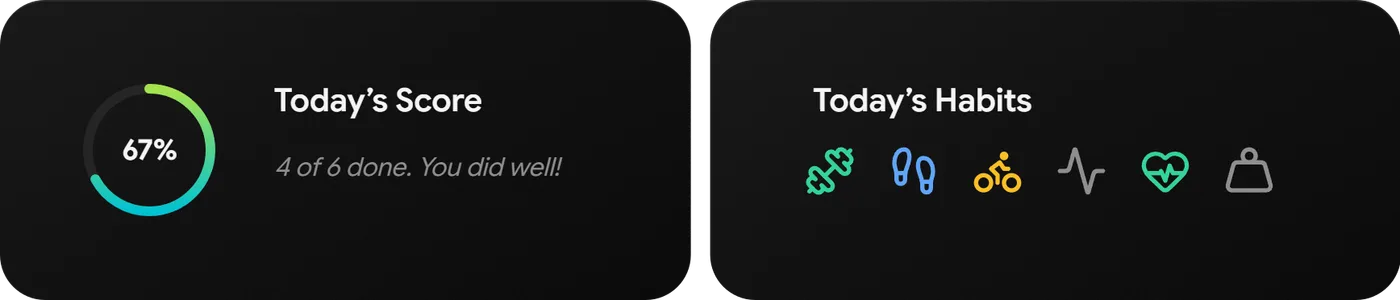
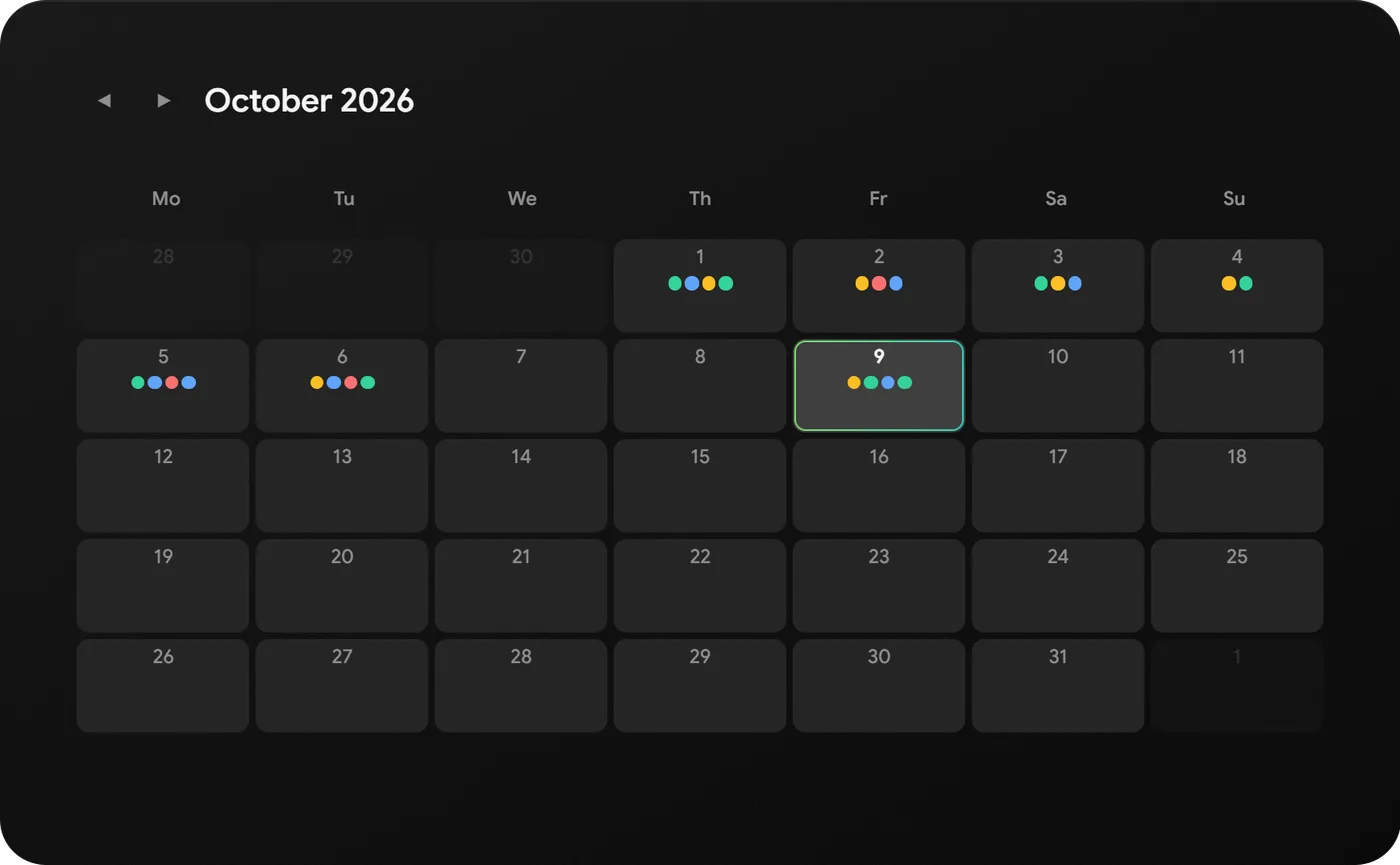
Tick off what you did, and see how the day and the month went. Yes-or-no habits, or ones you count.
- Habits you tick, or count up to a target
- An icon and a colour for each habit
- Today's score in percent
- A month calendar of what you kept up
- Tick “Workout” and PDA asks what you trained, from your plan
Finances
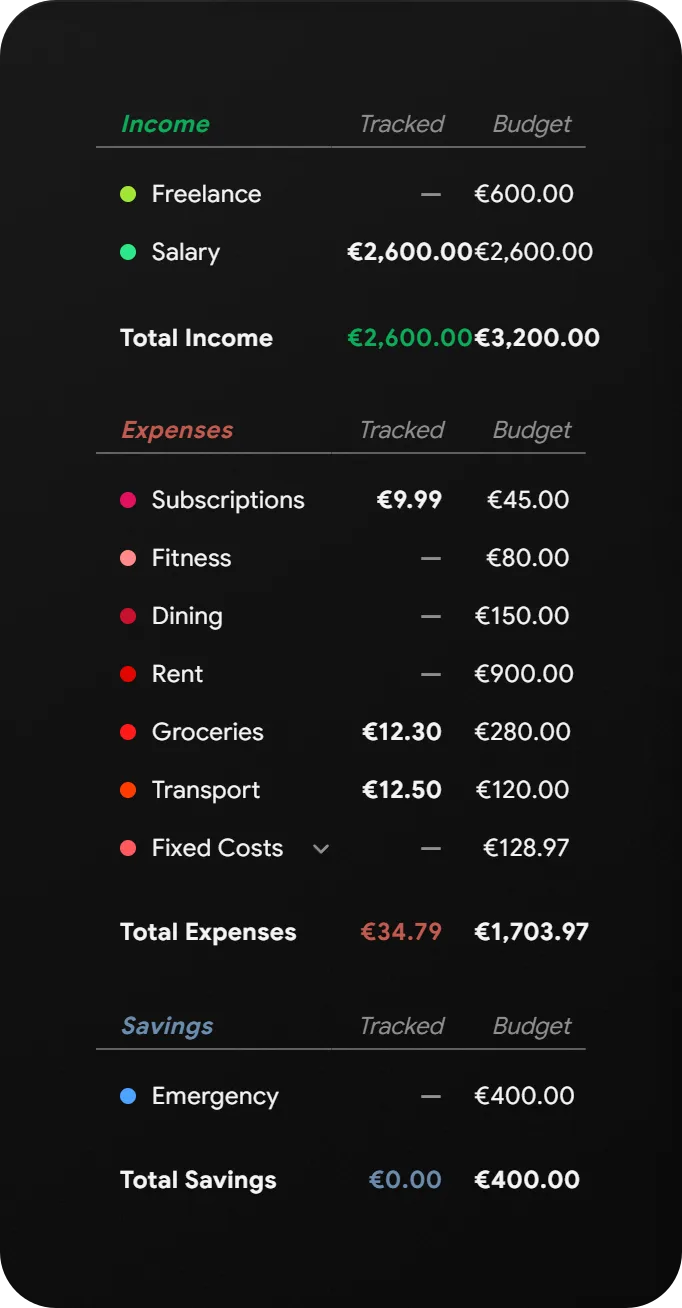
Know where the month is going.
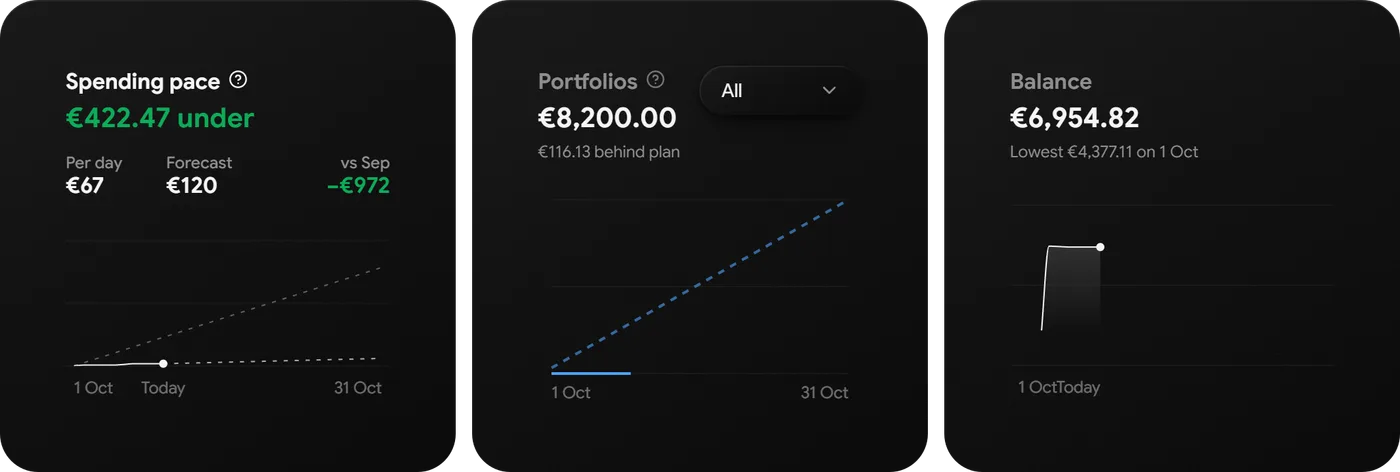
Income, spending and savings against the budget you set. And whether you are on track before the month is over.
- A budget per category, tracked as you spend
- Spending pace: under or over plan, and the forecast for the month
- Balance and savings plans as charts
- Recurring costs ask before they are booked, never on their own
Health
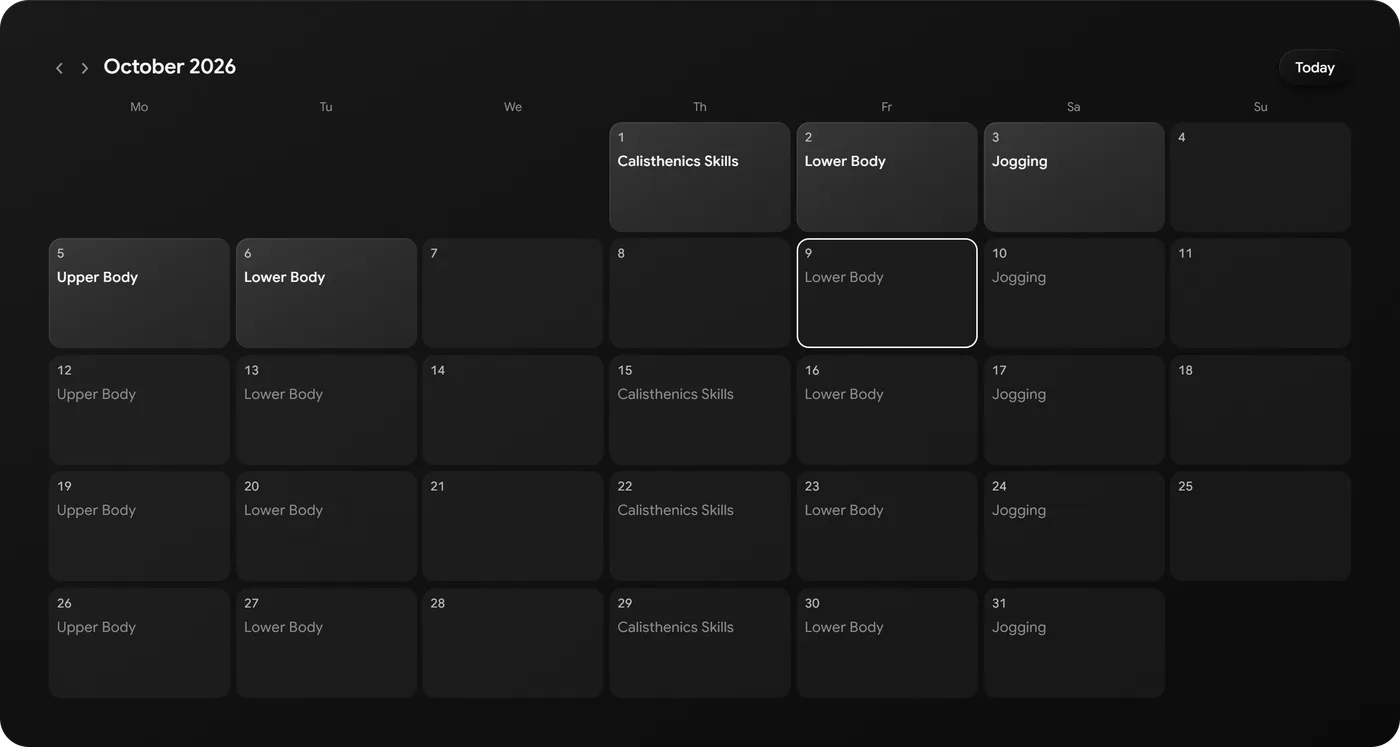
Plan the week. Log the work.
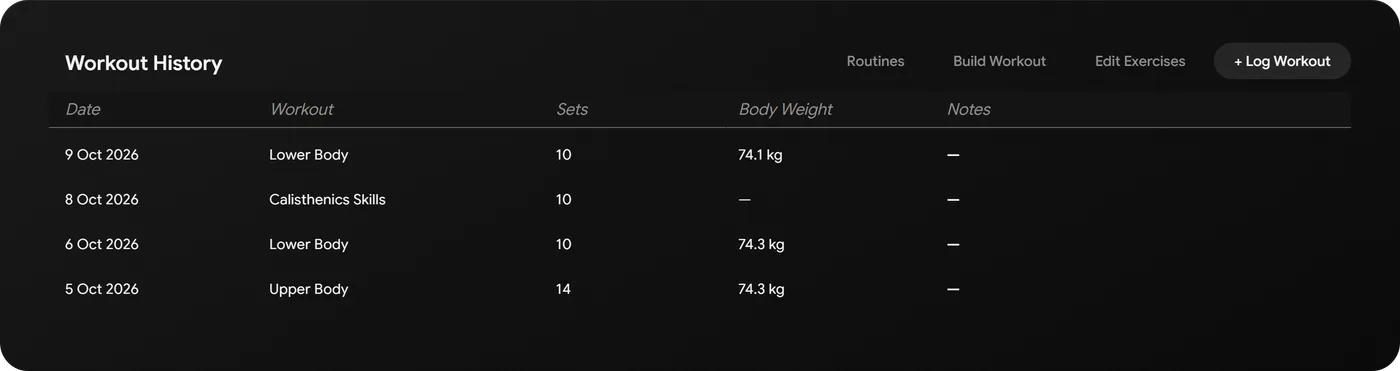
A routine for every weekday, and every session with its sets. The week, the month and the streak at a glance.
- Routines: what you train on which day
- Workouts with sets, reps and weights
- Body weight with each session
- A month calendar of training, planned and done

Productivity
A score for your day.
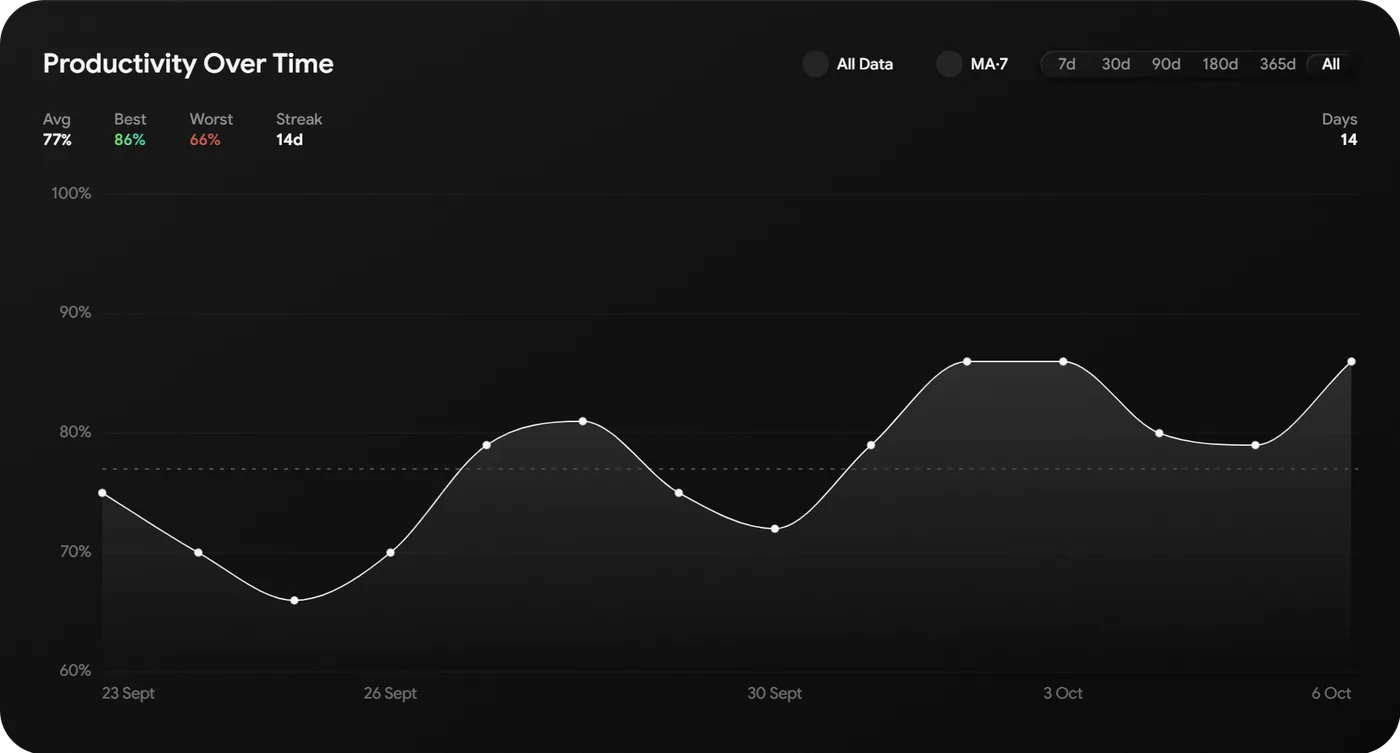
Write down what you did, in your own words. The AI scores the day from 0 to 100 against the goals you are working on.
- Log activities as you go, or at the end of the day
- A daily score, measured against your active goals
- The curve over weeks, with average, best and worst day
- Filters from 7 days to all time
Goals
Always know what is next.
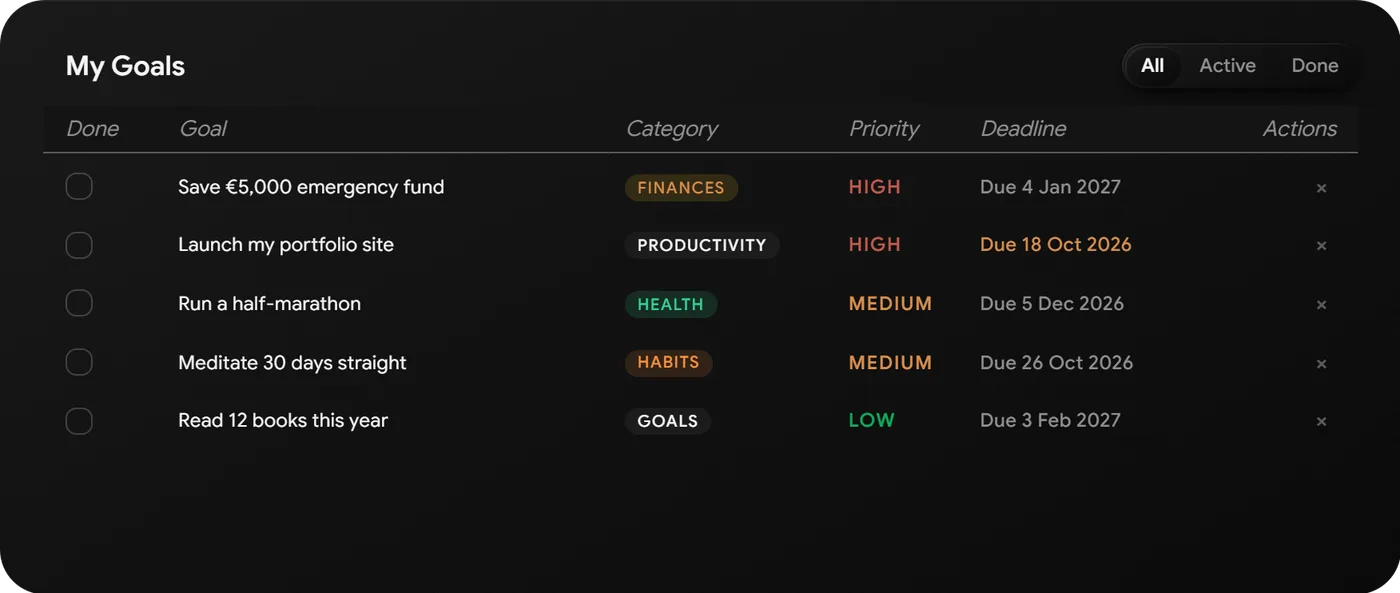
Goals with a priority and a deadline. Sorted, so the next one is never a question.
- Category, priority and deadline per goal
- Total, active, completed and overdue at a glance
- Filter by active or done
- Your active goals are what Productivity scores against
Journal
Write for yourself.
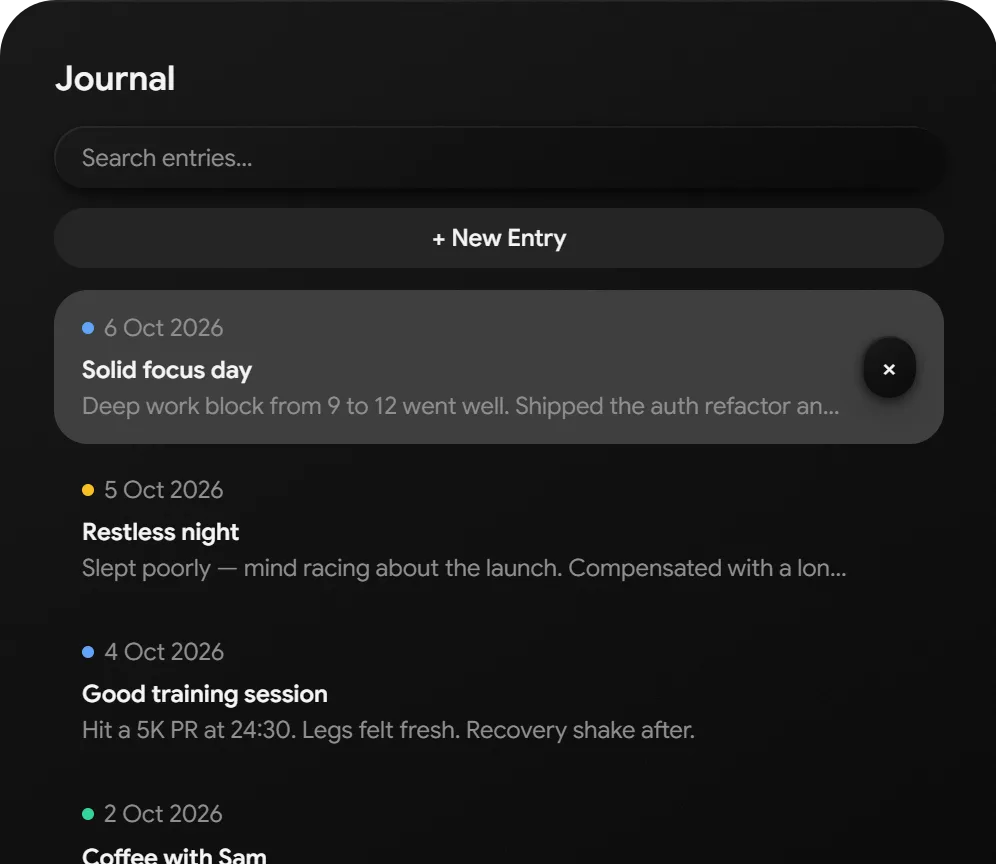
Entries with a mood and tags, written the way you think. And private, even from the AI.
- A mood and tags for each entry
- Bold, italic, headings, lists, quotes and links
- Search across every entry
- The AI cannot read it: the database itself keeps it out
Logs
Notes that stay findable.
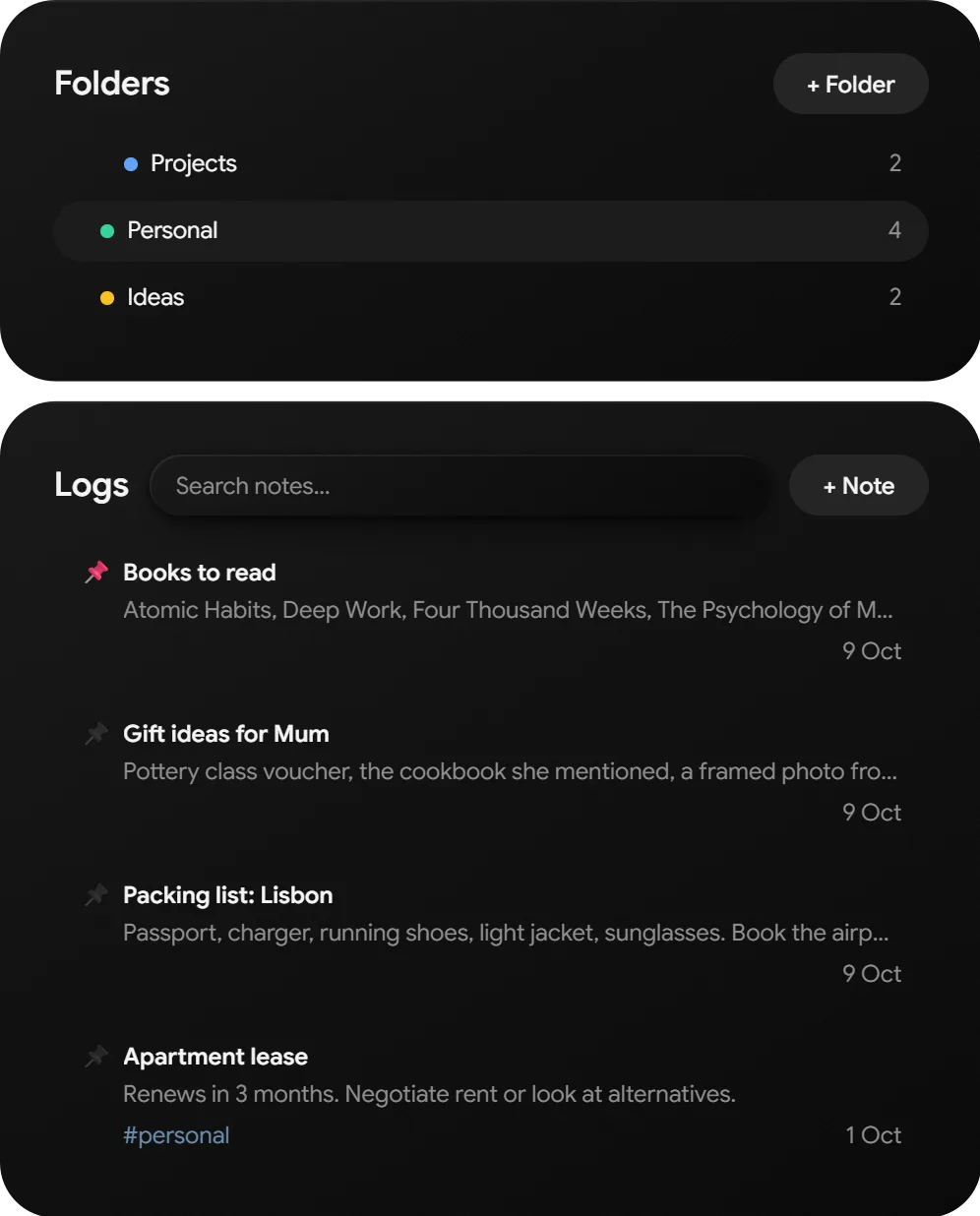
Everything you would otherwise lose in a notes app. In folders, pinned, tagged and searchable.
- Folders inside folders
- Pin the notes you need most
- Tags and search
- The same formatting as the journal
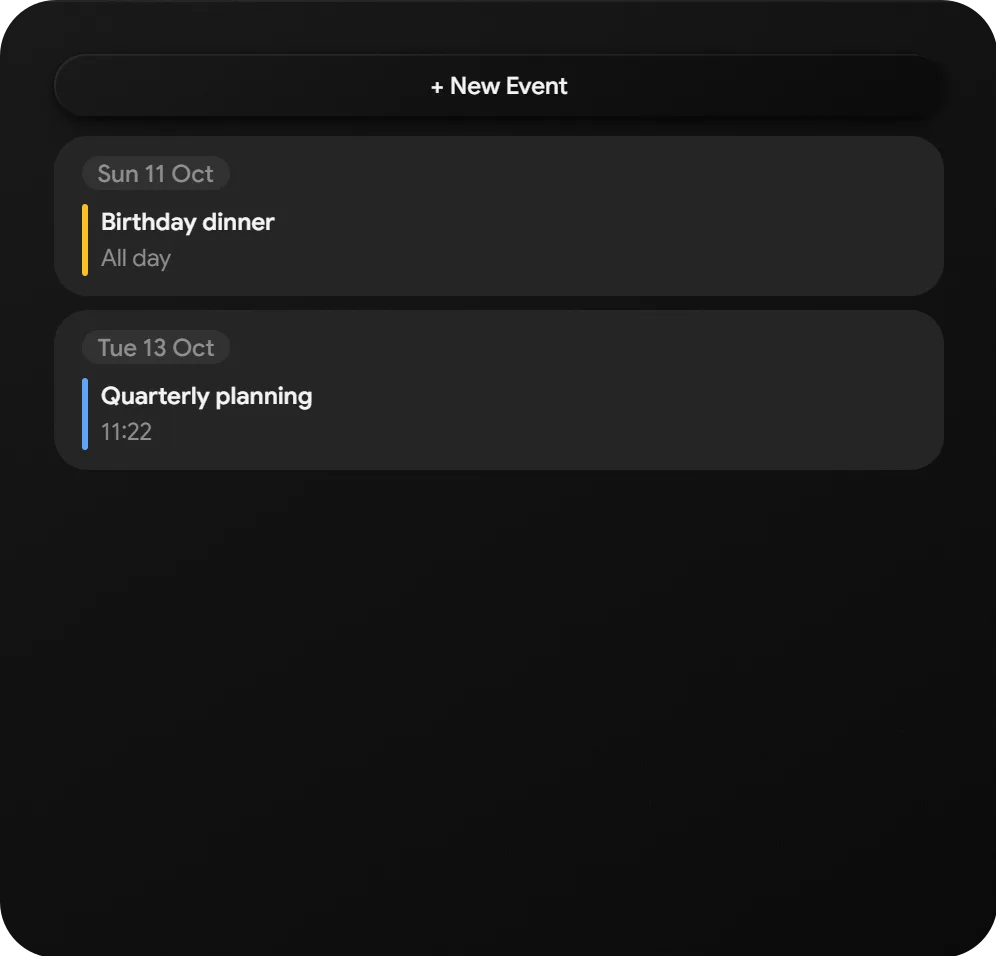
Calendar
Your appointments, next to everything else.
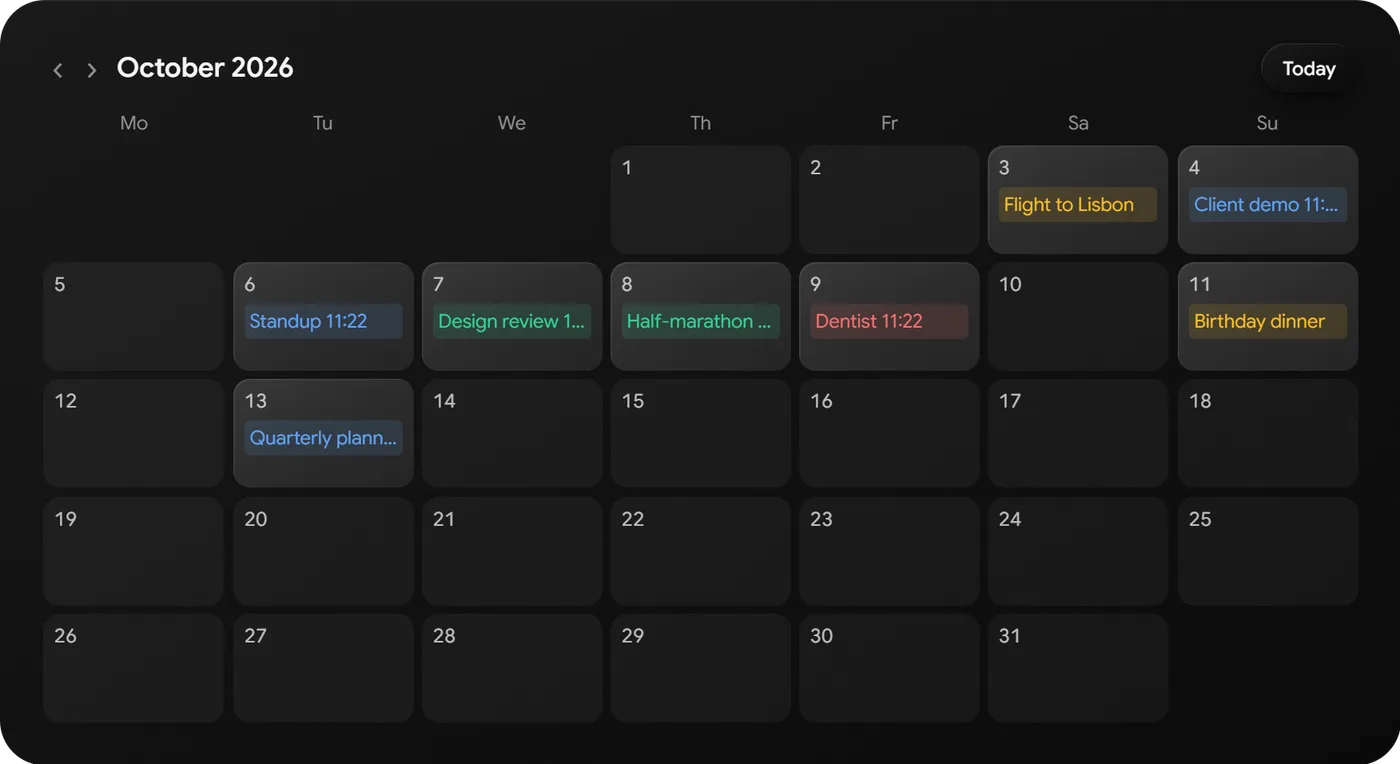
A month view and what is coming up. In the same place as the rest of your day.
- All-day or timed events
- A colour for each event
- The next appointments listed beside the month
Start with today.
Free. No credit card needed.